Booting HP98x6 systems through SRM
Author: F.Ulivi
License: CC-BY-SA
This page describes how to boot a MAME-emulated HP98x6 system by using SRM (Shared Resource Management).
In this example Pascal Workstation 3.25 is booted (image available here).
Components
The whole emulated system is composed of these parts:
- MAME emulator for the HP98x6 family of machines and relevant ROM images
- srm_io.py SRM server (available here)
- Files exported by SRM server
Prepare SRM filesystem
srm_io.py exports the filesystem tree under a given top directory. Boot ROM and the various OSes need a particular structure of filesystem: it is important that this structure is preserved.
To create the FS for Pascal Workstation:
Create the top directory:
mkdir srm-pas325
Decompress the image:
cd srm-pas325
tar xJf <path to srm-pas325.tar.xz>
Run srm_io
The SRM server is to be run like this:
python3 srm_io.py <path to srm-pas325 directory>
Start MAME
Start MAME with the following command line (here a HP9836C is started):
mame hp9836c -rompath <whatever> -dial_device mouse -ram 1M -slot0 98629 -bitb socket.localhost:1235
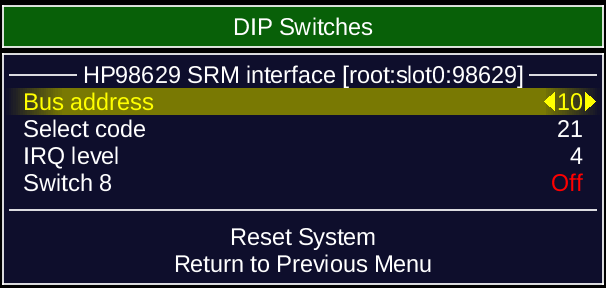
Ensure emulated system is configured as shown here:
- Booting Pascal Workstation should be entirely automatic
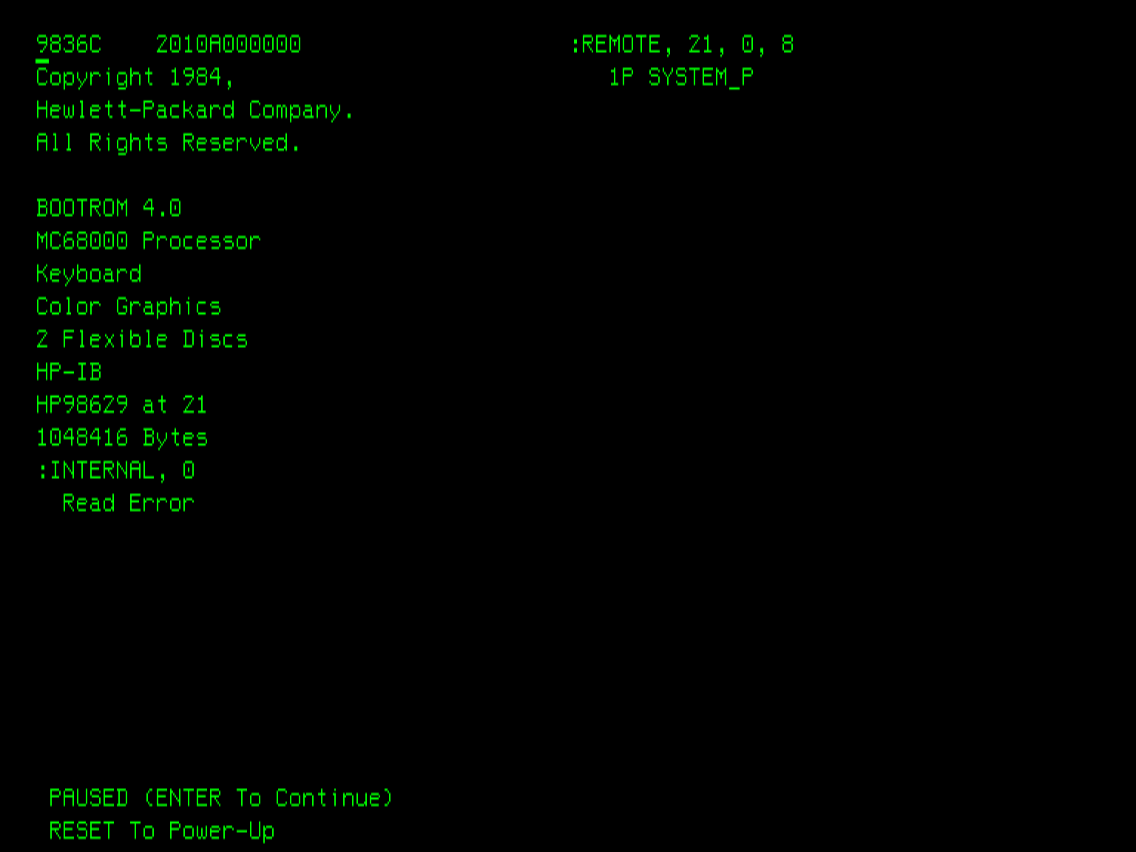
Boot ROM recognizes SYSTEM_P
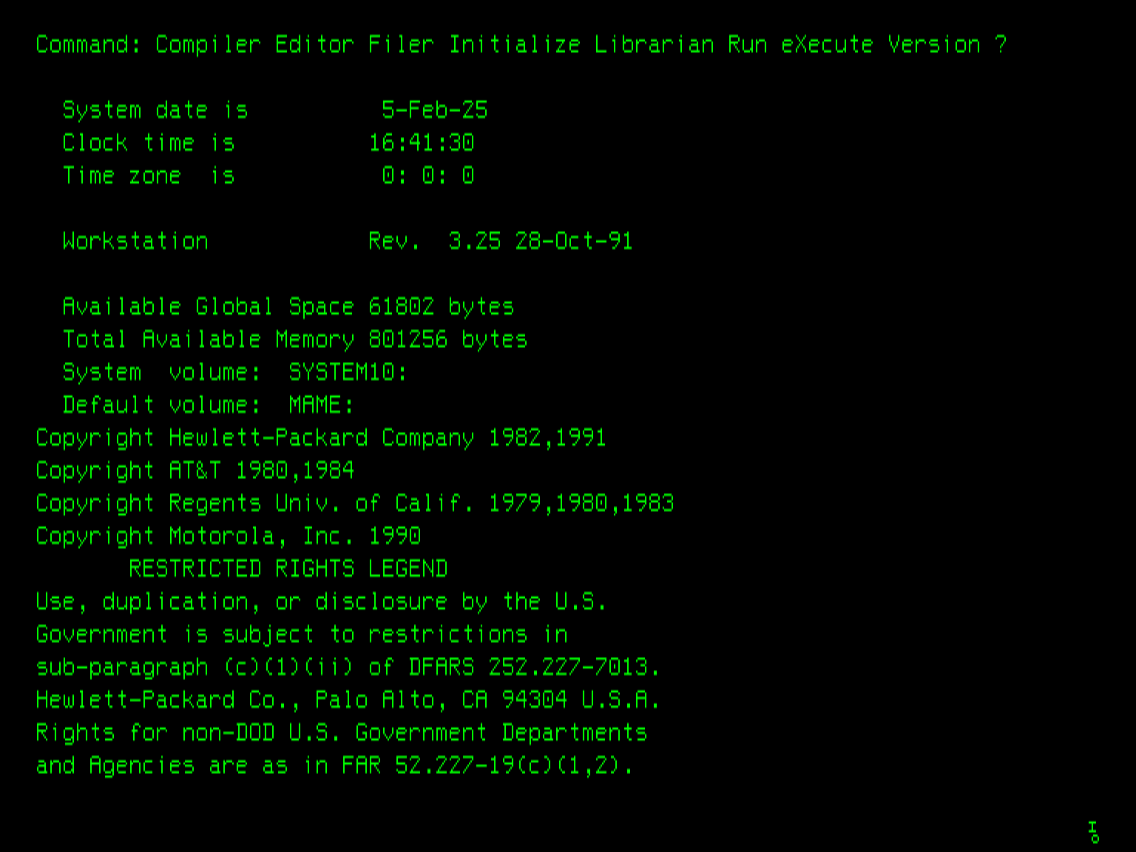
Pascal Workstation main menu
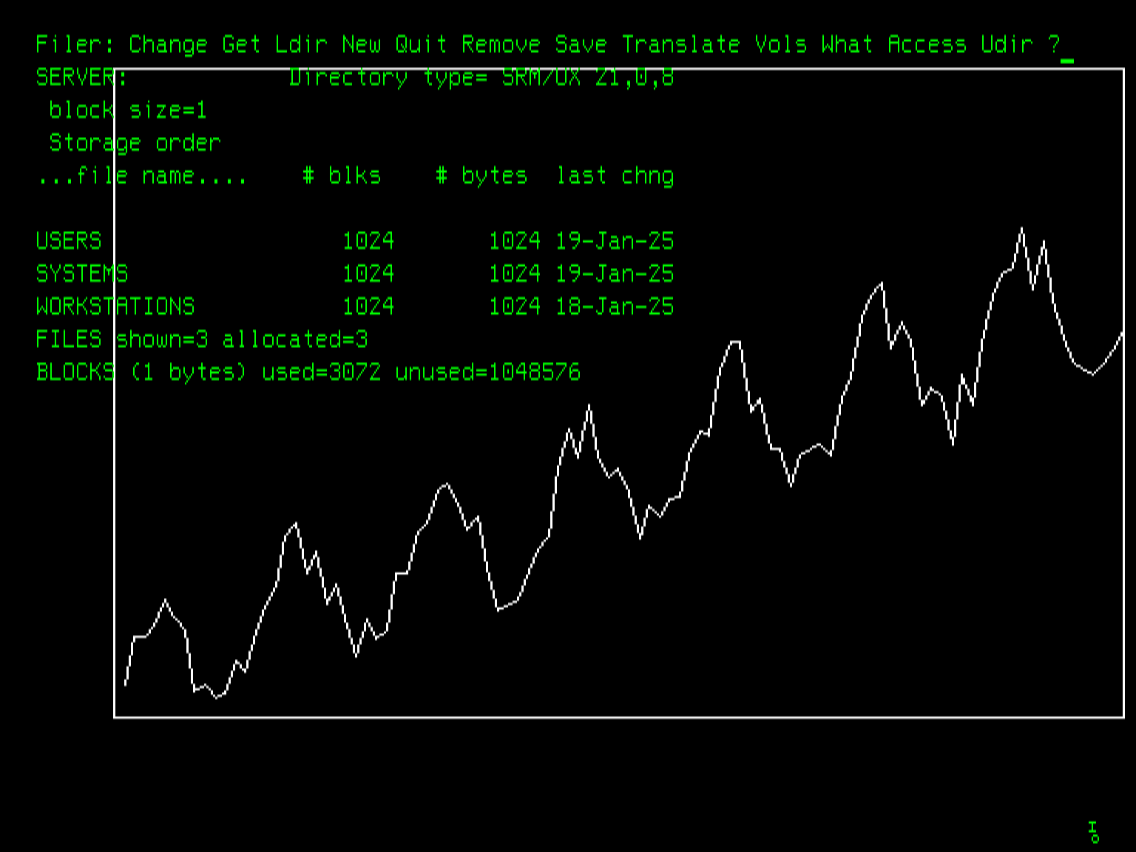
A graphical example is compiled and run